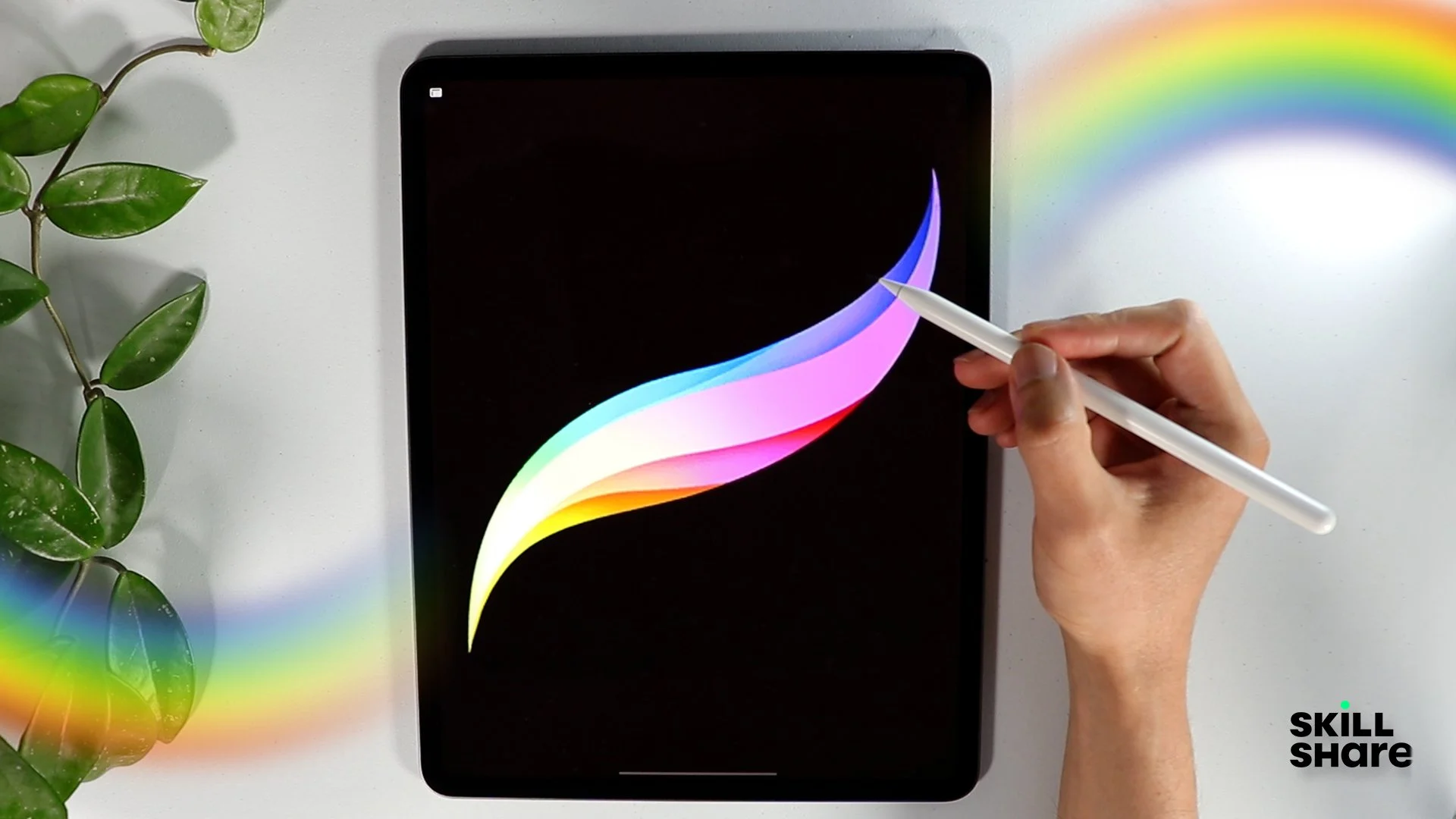
Procreate Jewelry Design Course
Sketch Your Imagination. Design Stunning Jewelry Digitally.
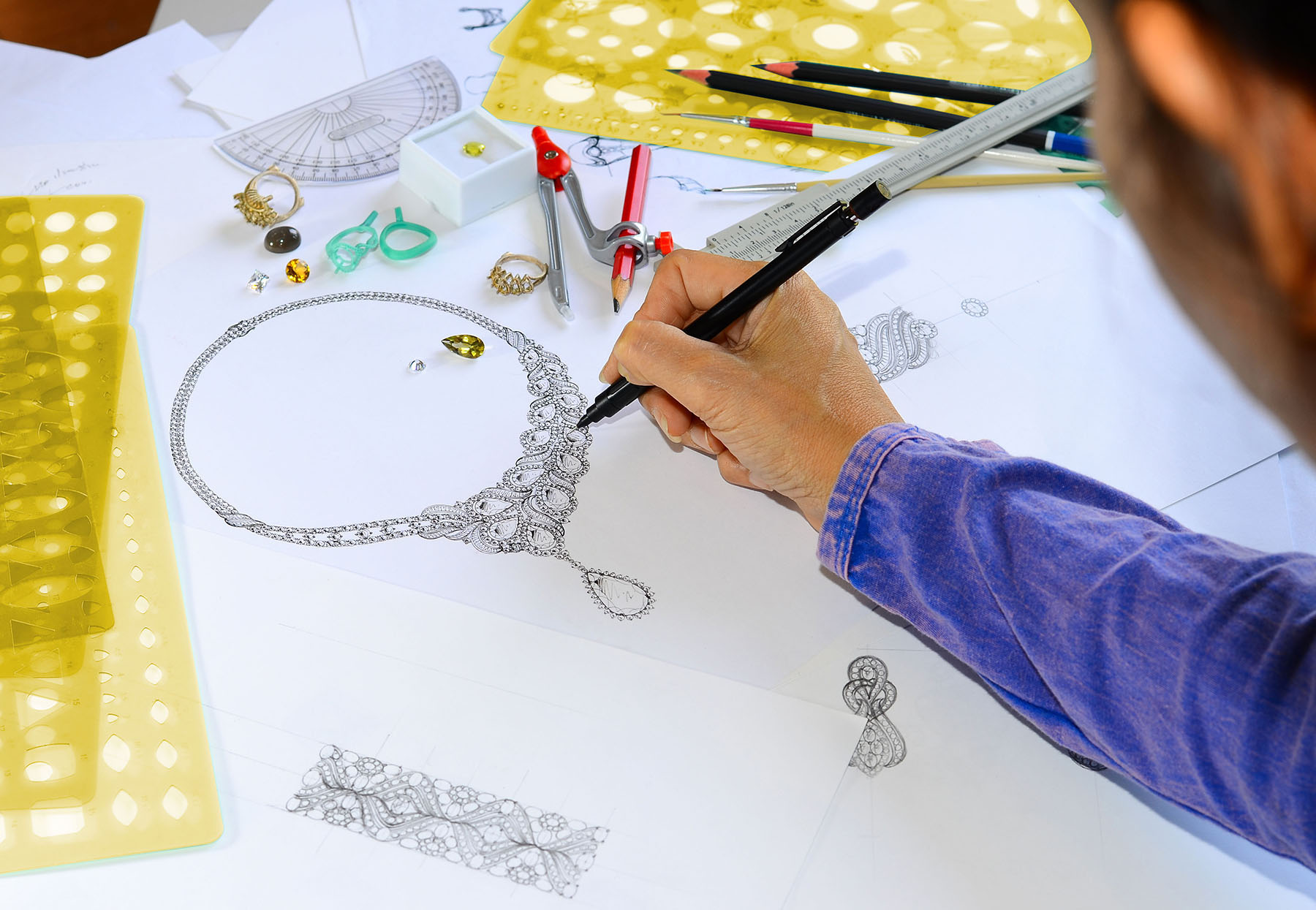
Jewelry design begins with creativity — the ability to visualize and sketch unique ornaments from concept to execution. In today’s fast-moving design world, digital sketching tools like Procreate are empowering designers to draw with precision, style, and speed on tablets.
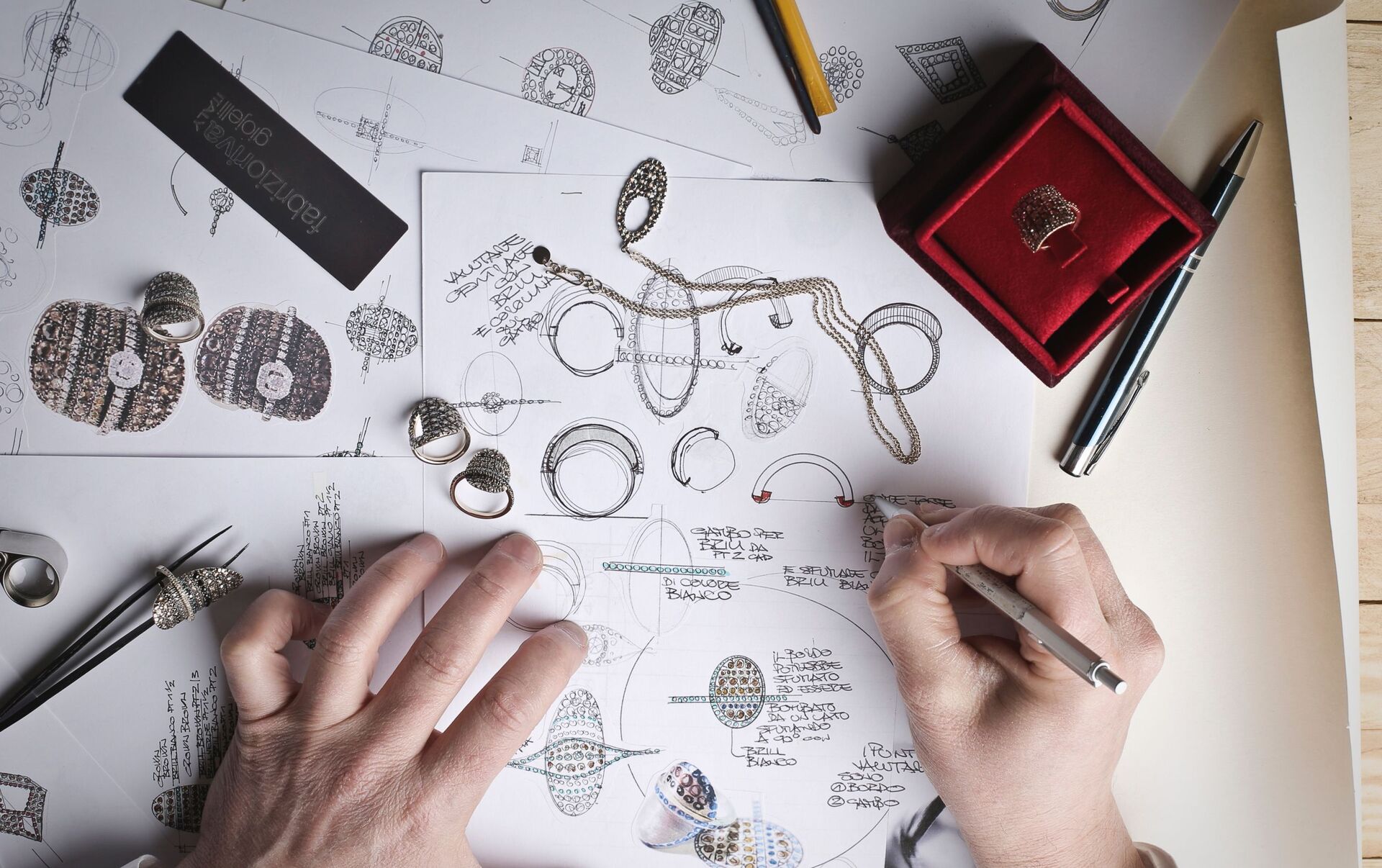
Our Procreate Jewelry Design Course is tailor-made for aspiring and professional jewelry designers who want to transform their traditional hand sketches into professional digital artworks using the power of the Procreate app on iPad. Whether you’re designing for a client, a manufacturer, or a social media portfolio, this course gives you the tools and confidence to sketch jewelry digitally with finesse.
Who Is This Course For?
This course is perfect for:
- Aspiring jewelry designers who love to draw
- Students learning jewelry design professionally
- CAD designers looking to improve concept sketching
- Manufacturers and freelancers presenting custom ideas
- Hand sketch artists looking to go digital
- Social media creators showcasing visual ideas
Why Choose Procreate for Jewellery Design?
Procreate is a powerful digital illustration app made for iPad, perfect for sketching, rendering, and showcasing jewellery designs. With intuitive tools and precision features, it transforms your creative workflow.
Concept Sketching
- Quickly draw rings, pendants, earrings, bangles, and necklaces.
- Use symmetry tools to design perfectly mirrored pieces.
- Refine ideas using multiple layers.
Rendering & Detailing
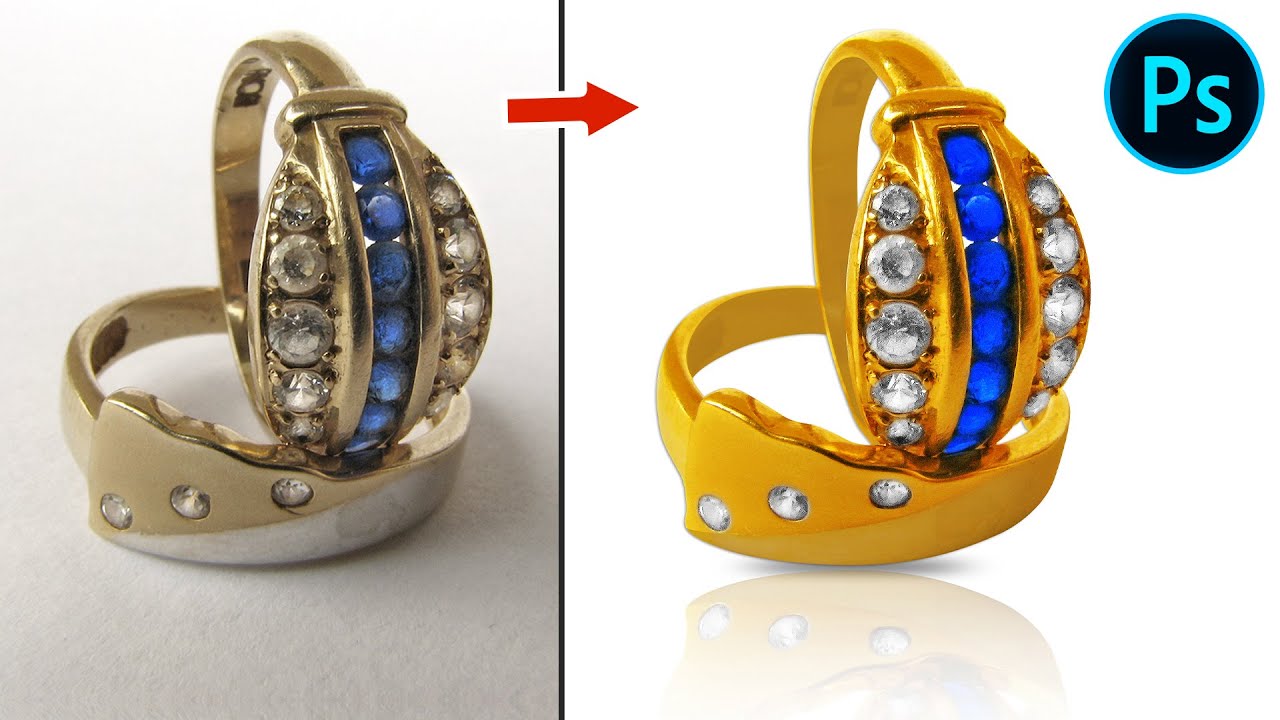
- Achieve realistic metal finishes: gold, silver, rose gold.
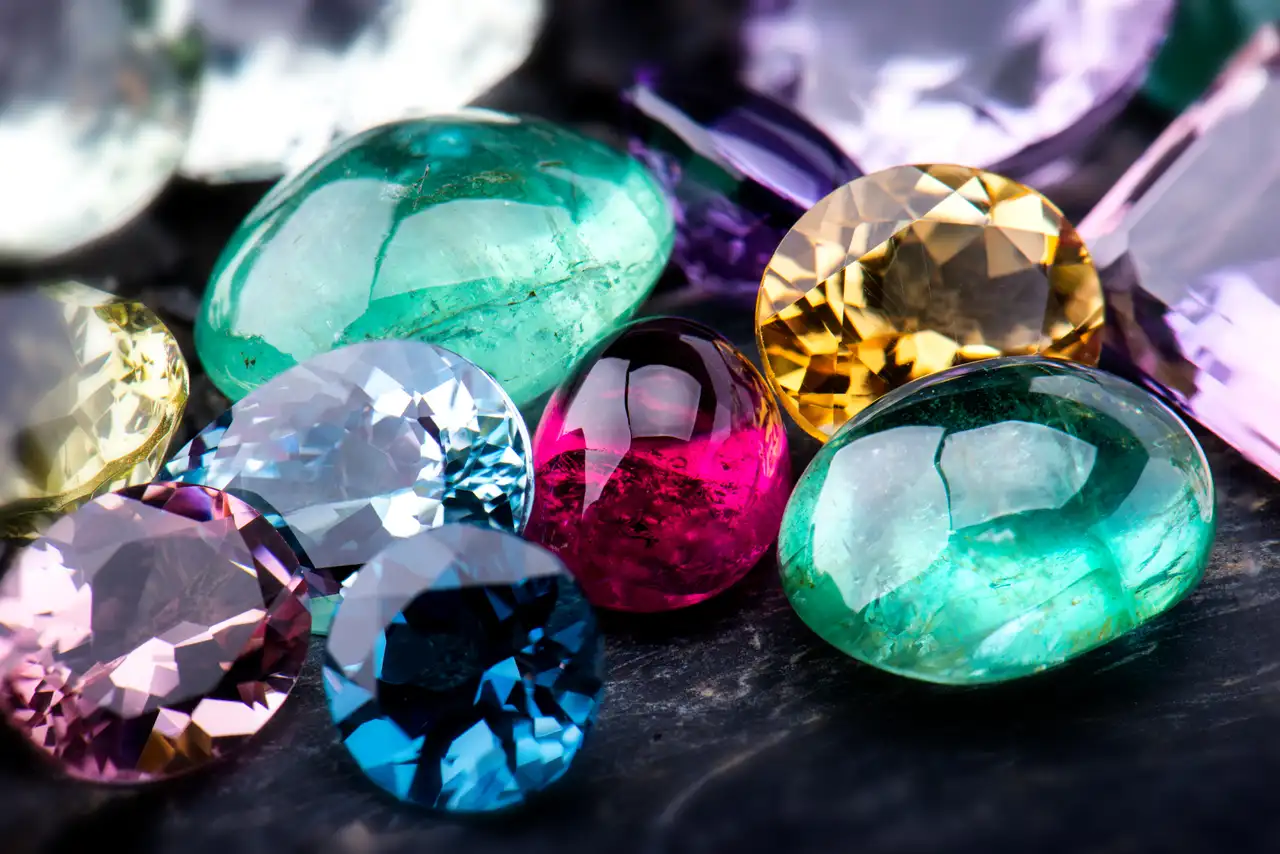
- Add sparkle and depth to gemstones.
- Include filigree, engraving, and texture using custom brushes.
Color Mockups
- Experiment with gemstone colors and metal combinations.
- Save color palettes for brand or gemstone themes.
Client Presentation
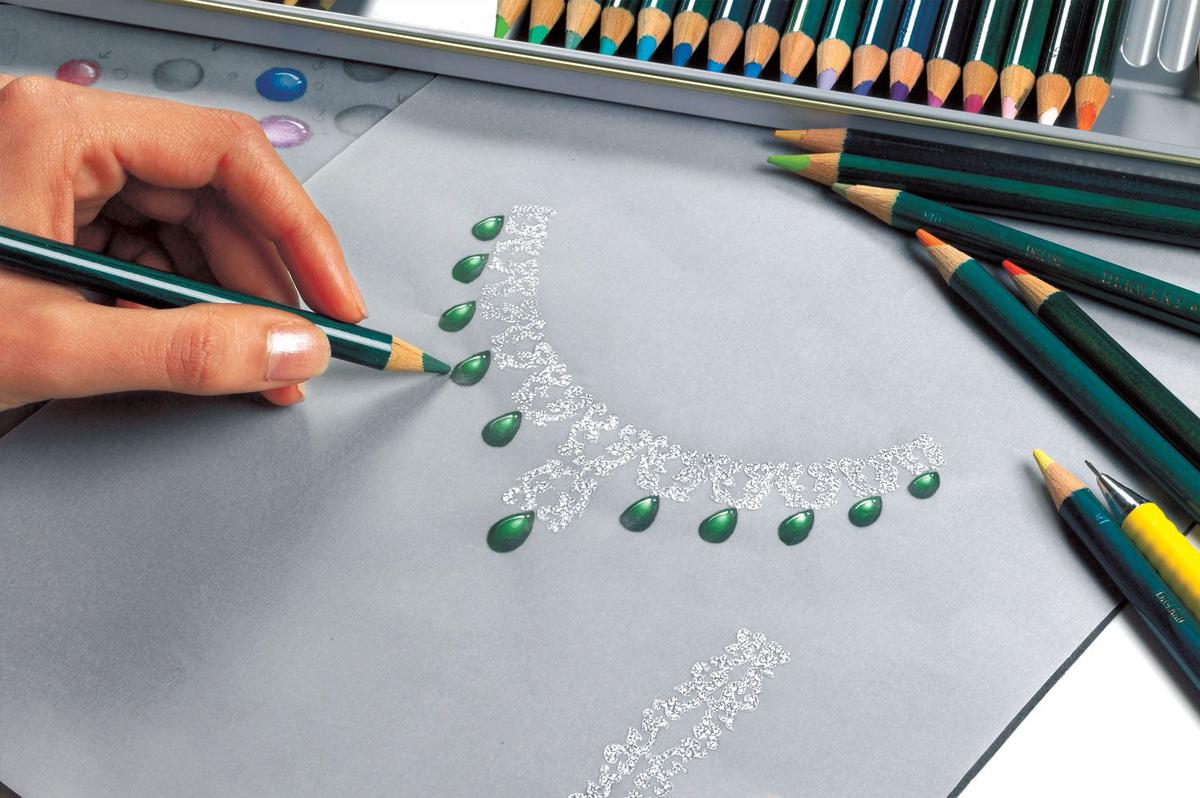
- Create elegant, hand-rendered designs.
- Export high-resolution artwork or process timelapse videos.
CAD Preparation
- Annotate designs with dimensions and material notes.
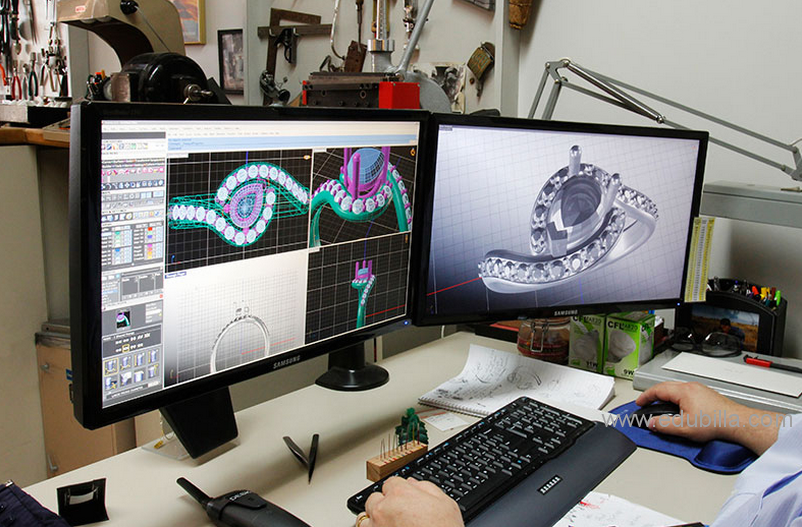
- Use for CAD conversion or traditional crafting references.
Essential Brushes
- Metallic Brushes (shine, reflection)
- Gemstone Texture Brushes (sparkle, facets)
- Engraving & Detail Brushes (patterns, textures)
Must-Use Features
- QuickShape : Draw perfect lines, circles, and curves.
- Symmetry Tool : Perfect for matched earrings or mirrored motifs.
- Drawing Guides : Use grids or perspective for 3D views.
- Reference Window : View gemstone or style images as you draw.
Device Requirements
- iPad with iPadOS 15 or later
- Apple Pencil (1st or 2nd Gen depending on iPad model)
- App Cost: One-time purchase (~$12.99 USD)
Workflow Example
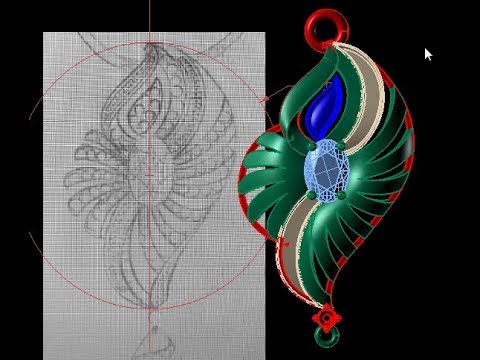
- Sketch rough idea with pencil brush.
- Ink outlines with technical or studio pen.
- Block in metal and gemstone colors.
- Add highlights and shadows.
- Annotate and export for client or CAD team.
Whether you’re a traditional jeweller transitioning to digital or a modern designer seeking flexibility, Procreate empowers your design vision.
Create, Render, Shine.